Capture
A clear camera view, countdown and low-light guidance help create great photos.
For photo booth operators and real events
Photos, collages and boomerangs. Your event backgrounds and frames. Share via AirDrop and email, print with AirPrint. Buy once. Use at every event.
€19.99 one-time purchasePrice in Germany · Check the App Store for your local price.
Created from hands-on iPad booth rental experience and used at real events.

Everything in one app
NovaBooth guides every moment – from the first tap to the finished keepsake.
A clear camera view, countdown and low-light guidance help create great photos.
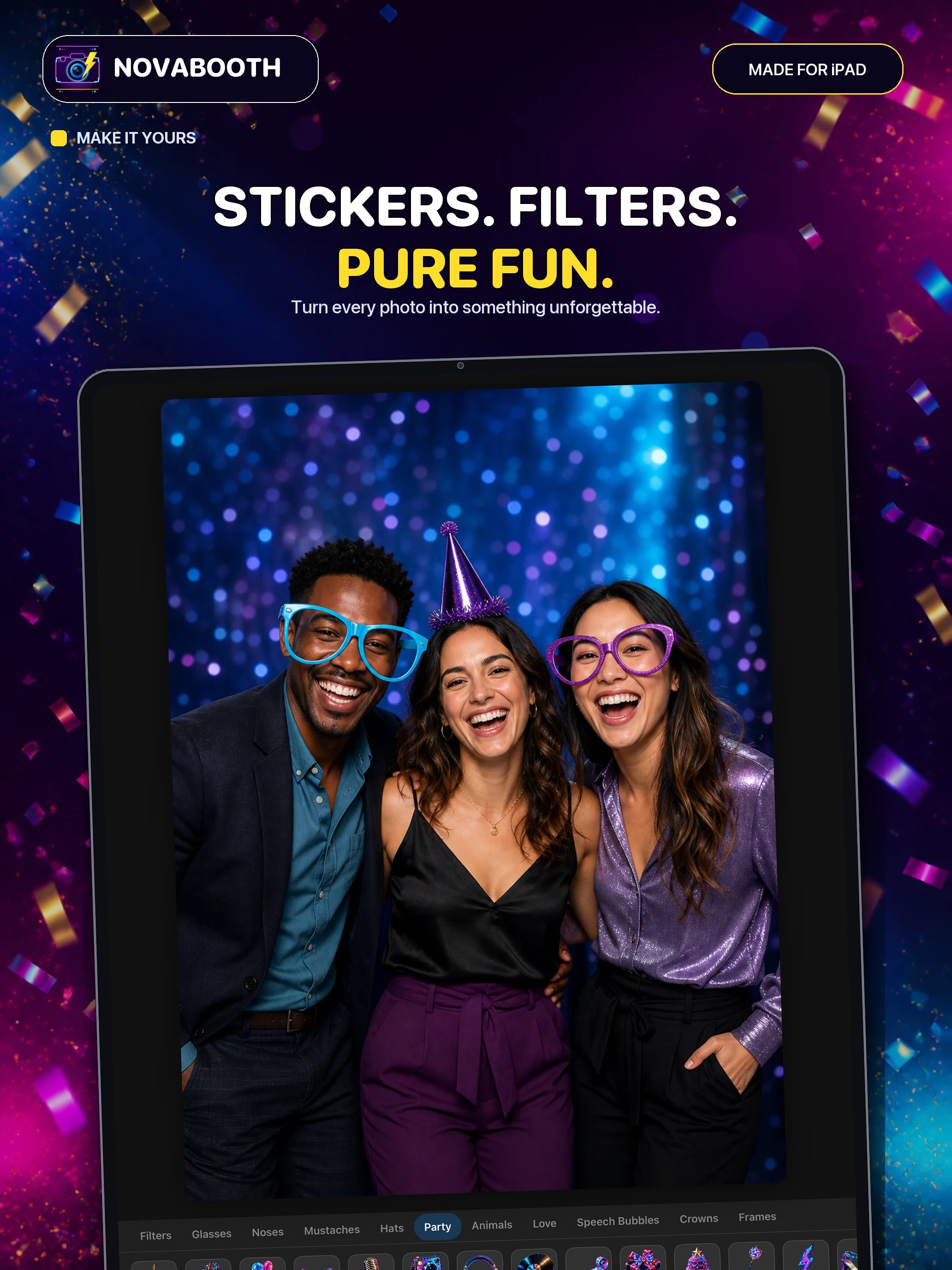
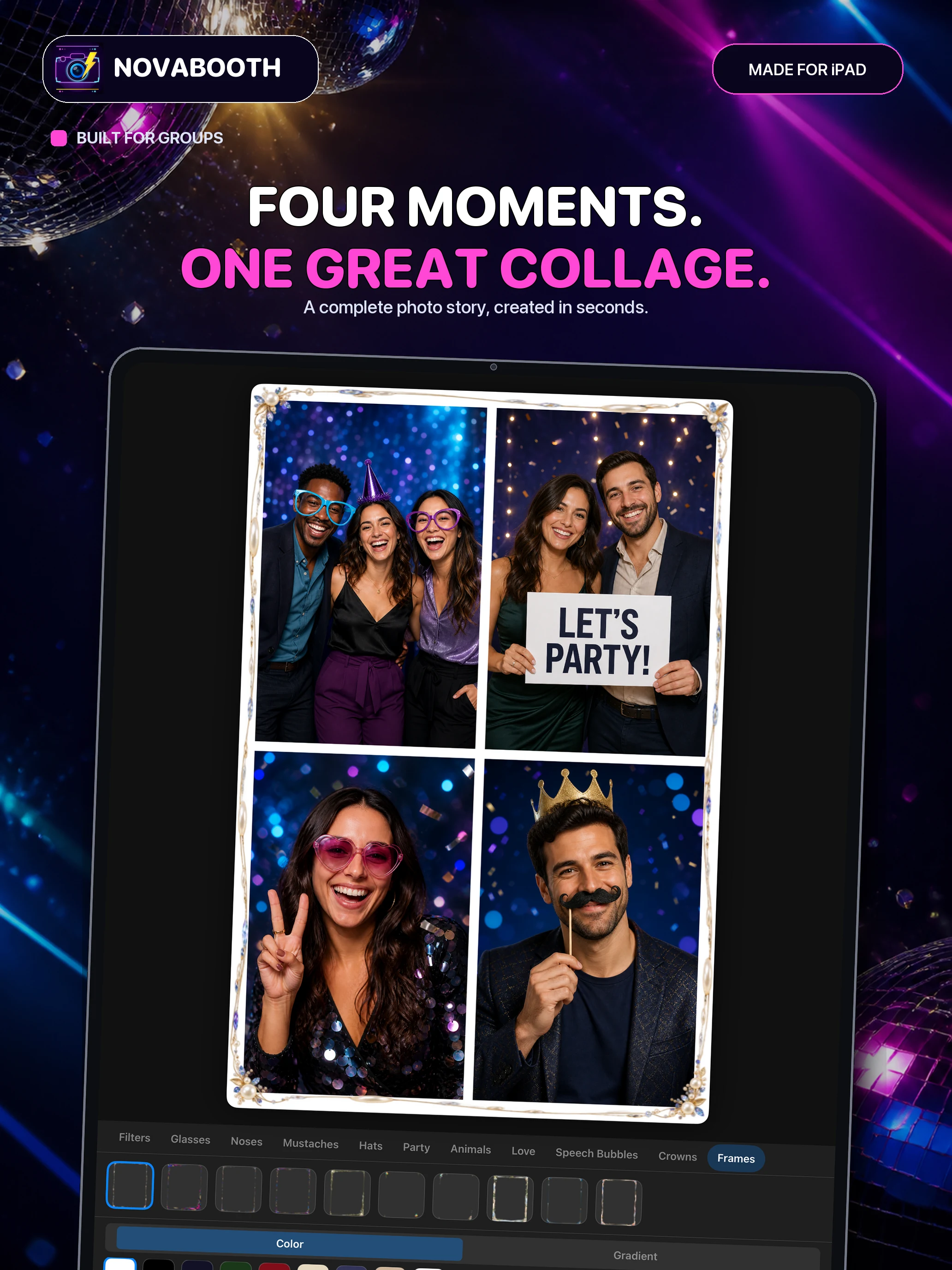
Stickers, filters, frames and backgrounds turn every photo into something unique.
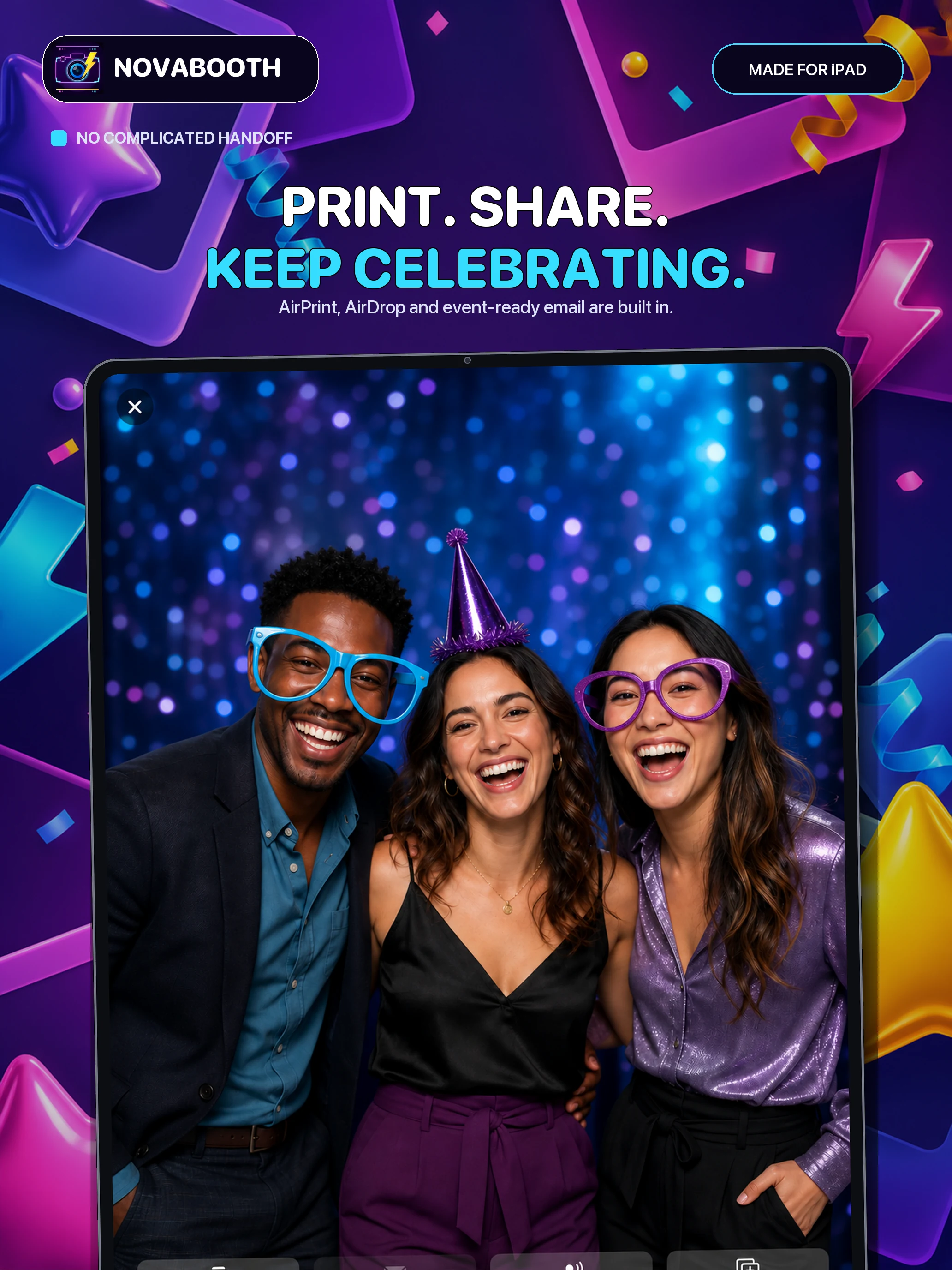
Send photos by AirDrop or email – directly and securely from within the app.
AirPrint sends memories straight to compatible wireless printers.
Ready in minutes
Three steps from box to booth.
Place the iPad on a stand, follow the guided setup and choose your event name, modes and frames.
Guests tap, pose and get creative on their own. Kiosk mode keeps your settings safe.
Photos go to AirPrint, AirDrop or email right away, while you enjoy your own event.
NovaBooth in action
From the first laugh to the printed photo, NovaBooth captures the atmosphere while you enjoy the event.
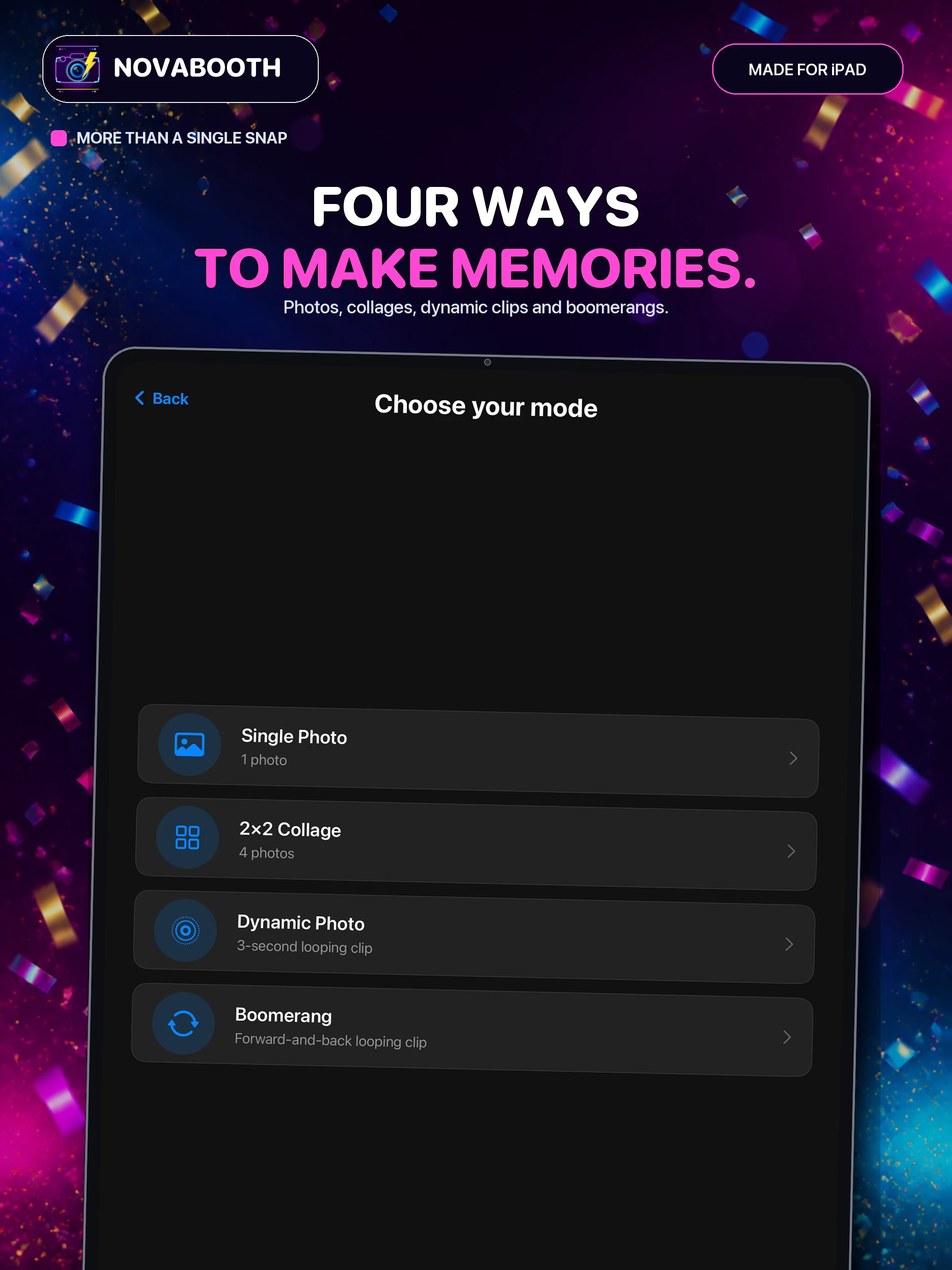
More than a snapshot
The classic choice for spontaneous moments and perfect portraits.
Four shots come together to tell a small story.
A short, lively memory captured as a loop.
Forward, backward and instantly ready to share.
Built for real events
Large controls, clear flows and a portrait-first design make NovaBooth a reliable companion for every celebration.

Made for every celebration
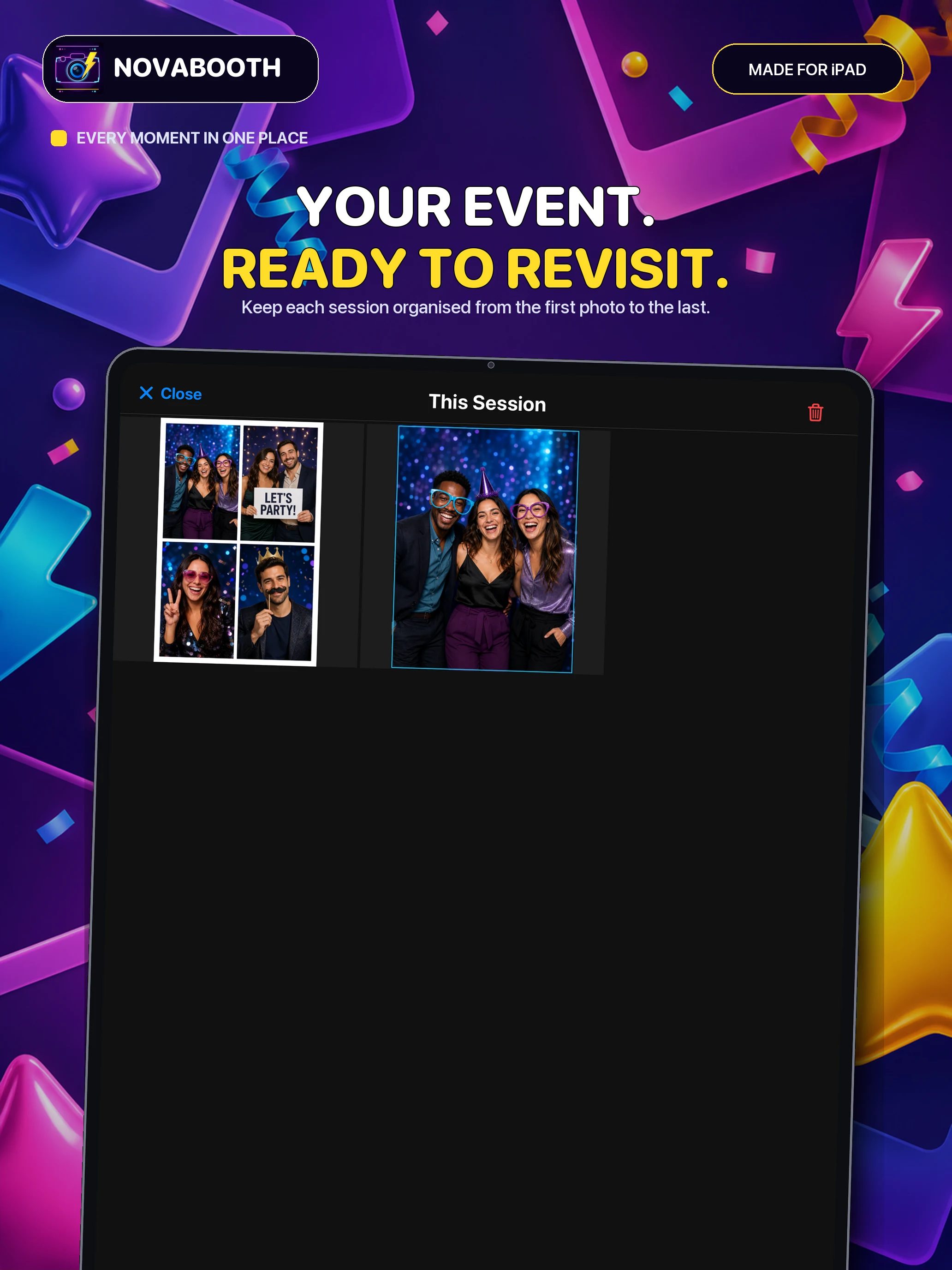
Give your guests a keepsake to take home, printed on the spot.
Silly stickers, collages and boomerangs for every age.
A fun, branded-feeling corner with frames and event name.
Christmas, graduations, club nights: just add an iPad.

Made for the in-between moments
NovaBooth gives your guests the freedom to get creative – without supervision and without interrupting your event.


Fair pricing
No monthly fees, no account, no per-event limits. Buy NovaBooth once and use it at every wedding, birthday and company party.
€19.99 one-time purchase in Germany. Local App Store pricing may vary.
Your event stays yours
NovaBooth requires no user account and does not send your photos to the developer. Captures and settings are processed locally on the iPad.
Good to know
No. NovaBooth is a one-time purchase. There are no monthly fees and no account.
NovaBooth requires an iPad with a front camera running iPadOS 16.0 or later. See the App Store listing for current compatibility details.
Not for capturing, editing or saving photos locally. AirDrop, email and AirPrint require the appropriate Apple or network connection.
NovaBooth uses Apple’s standard AirPrint interface. The printer must support AirPrint and be connected to the same Wi-Fi network as the iPad.
The built-in kiosk mode protects settings. For locked-down events, Apple’s Guided Access can be enabled as an additional layer.
The app processes images locally. Depending on your settings, they are saved to the iPad photo library and can be managed there after an event.
Yes. A guided assistant covers language and global settings on first launch and can be opened again later.